iPhone Screenshot Secrets: Master Face ID, Touch ID & Full Page Captures!
Diy
N
News18•29-12-2025, 15:10
iPhone Screenshot Secrets: Master Face ID, Touch ID & Full Page Captures!
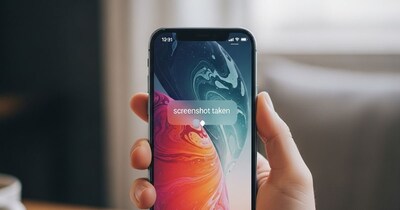
- •Learn easy methods to take screenshots on iPhone, especially for new users transitioning from Android.
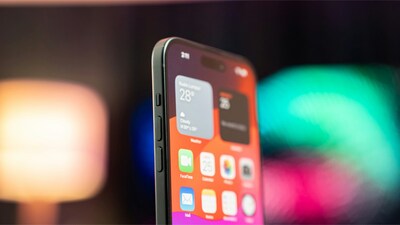
- •For iPhones with Face ID (X and later), press side button and volume up simultaneously.
- •For iPhones with Touch ID (Home button models), press side button and Home button together.
- •Capture full-page screenshots of webpages/documents by taking a regular screenshot, tapping the thumbnail, and selecting "Full Page."
- •All screenshots are automatically saved in the "Screenshots" album within the Photos app.
Why It Matters: Master iPhone screenshots easily, covering Face ID, Touch ID, and full-page captures.
✦
More like this
Loading more articles...