Blocked! 5 Steps For iPhone Users To Avoid Spam Calls
Tech
N
News18•27-01-2026, 09:18
Blocked! 5 Steps For iPhone Users To Avoid Spam Calls
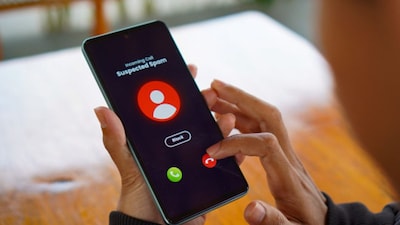
- •Spam calls are a universal nuisance, affecting users across all phone types, including iPhones.
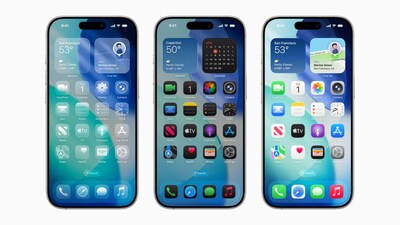
- •Apple introduced a new tool in the iOS 26 update specifically designed to combat spam calls.
- •The feature uses a robot voice to screen unknown callers, asking for the reason for the call and providing a text transcript.
- •Users can enable this by navigating to Settings > Apps > Phone > Screen Unknown Callers and selecting 'Ask reason for calling'.
- •Third-party apps like RoboCaller, Hiya, and Truecaller are also available for iPhone users to help manage spam calls.
Why It Matters: iPhone users can effectively block spam calls using iOS 26's new screening tool or third-party apps.
✦
More like this
Loading more articles...