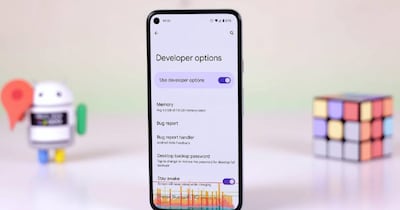
Boost Android Performance: Adjust These Developer Settings for a Smoother Phone
N
News18•05-02-2026, 14:01
Boost Android Performance: Adjust These Developer Settings for a Smoother Phone
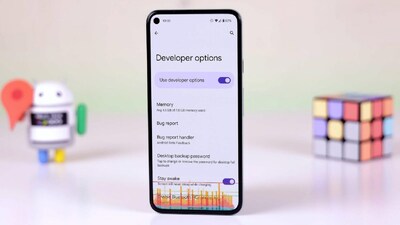
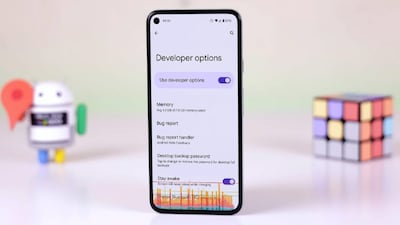
- •Access Developer Options to optimize your Android phone's performance, even if you're not a developer.
- •Limit Background Process to 2 or more to prevent multiple apps from straining the processor and battery.
- •Reduce Logger Buffer Size to 64K or 256K, or turn it off, to save memory and CPU effort.
- •Enable Force Peak Refresh Rate for a smoother scrolling experience, especially if battery life isn't a primary concern.
- •Adjust or turn off animation scales in Developer Options to speed up app transitions and menu pop-ups on mid-range or entry-level phones.
✦
More like this
Loading more articles...