iPhone Battery Draining Fast? Use These Settings to Boost Life!
Technology
N
News18•02-01-2026, 17:40
iPhone Battery Draining Fast? Use These Settings to Boost Life!
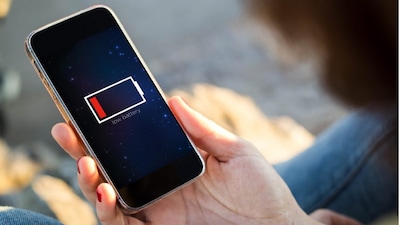
- •Frequent iPhone battery drain is often due to settings, background activity, and habits, not always a faulty battery.
- •Check "Battery" section in Settings to identify apps consuming the most power, like social media or gaming.
- •Limit background app refresh and location services, as they significantly drain battery.
- •Manage screen brightness: use auto-brightness, limit dark interfaces, and disable Always-On Display.
- •Activate Low Power Mode for an effective battery-saving solution, reducing background processes and visual effects.
Why It Matters: Optimize iPhone settings like Low Power Mode, brightness, and background activity to extend battery life.
✦
More like this
Loading more articles...