iPhone Spam Call Blocker: New Settings to Screen Calls Before Answering
N
News18•16-02-2026, 18:41
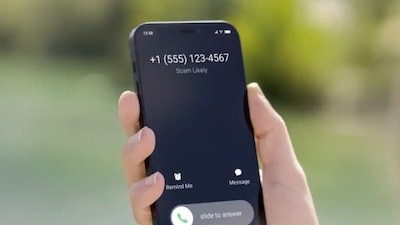
iPhone Spam Call Blocker: New Settings to Screen Calls Before Answering
- •iPhone users can now screen spam calls with a robotic voice asking the reason for calling.
- •A live transcript of the conversation is displayed, allowing users to decide whether to answer or hang up.
- •This feature was introduced with the iOS 26 update, though it received less publicity.
- •To enable, go to Settings > Apps > Phone > Unknown Callers and select 'Ask reason for calling'.
- •Users can also block numbers or allow only contacts, but this might lead to missing important calls.
✦
More like this
Loading more articles...