Unlock Your Laptop's Touchpad Power: 5 Hidden Gestures You Must Try!
Technology
N
News18•31-12-2025, 16:28
Unlock Your Laptop's Touchpad Power: 5 Hidden Gestures You Must Try!
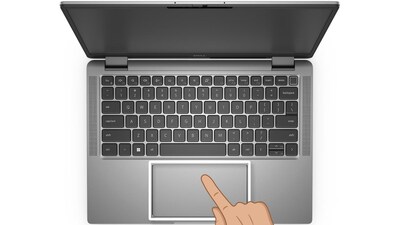
- •Tapping with two fingers simultaneously opens a menu on the screen.
- •A three-finger tap on the touchpad activates a quick search function.
- •Tapping with four fingers simultaneously brings up the notification panel.
- •Swiping up or down with three fingers allows you to open or close applications.
- •Swipe right or left with three fingers to effortlessly switch between open apps.
Why It Matters: Discover advanced touchpad gestures to boost productivity and control your laptop more efficiently.
✦
More like this
Loading more articles...