Why Does Wi-Fi Slow Down When Bluetooth is On? Understand the Technical Reasons Behind Laptop Speed Issues
Loading more articles...
Wi-Fi Slowing Down? Bluetooth Might Be the Culprit! Understand the Technical Reasons
N
News18•14-02-2026, 19:31
Wi-Fi Slowing Down? Bluetooth Might Be the Culprit! Understand the Technical Reasons
•Both Bluetooth and older Wi-Fi use the 2.4 GHz frequency band, leading to signal interference and slower internet speeds.
•Bluetooth's 'Frequency Hopping' can overlap with Wi-Fi channels, causing data traffic jams and weakening the Wi-Fi signal.
•Many older devices use a single antenna for both Wi-Fi and Bluetooth, splitting its capacity and potentially reducing internet speed by 30-50%.
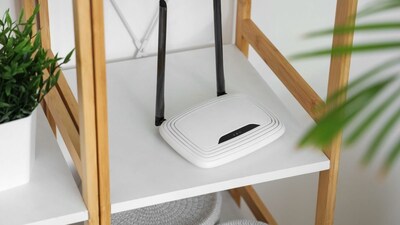
•To improve speed, use the 5 GHz Wi-Fi band, change your router's channel (1, 6, or 11), keep Bluetooth devices close, or use a wired Ethernet connection.
•Newer devices have reduced this issue, but older models still experience interference; consider a 5 GHz router or temporarily disabling Bluetooth for faster internet.